
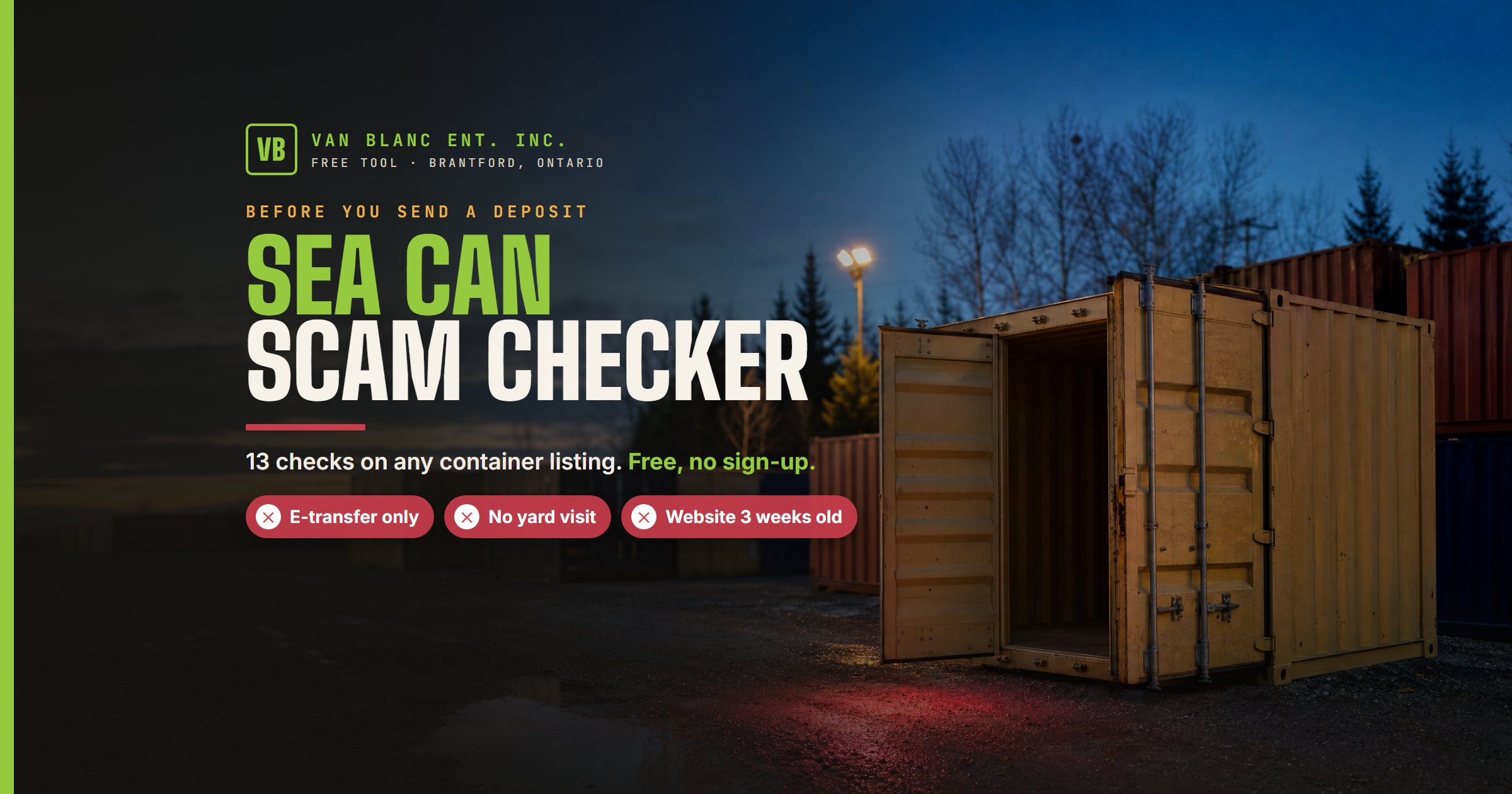
Short answer: Answer a few questions about the shipping container listing you’re looking at, and this free checker flags the warning signs fake sellers leave behind: a price far under your other quotes, e-transfer only, no yard visit, a brand-new website, a container number that fails its check digit, and more. It takes about five minutes, tells you what to verify before any money leaves your account, and doesn’t save what you type.
Check a Sea Can Listing Before You Pay
Work top to bottom and answer what you can. Pick “not checked yet” for anything you haven’t looked into; those land on a to-do list instead of counting against the seller.
How the Checker Scores a Listing
Each warning sign counts once. Zero or one comes back green, two comes back amber, and three or more comes back red. One pairing overrides the count: a seller who won’t let you see the container and also wants money up front gets a stop result on its own, because that combination is how most sea can scams work.
The questions follow the nine checks in our guide to spotting a fake container company, plus four the checker runs for you. It reads the phone area code, spots free email services, asks the public domain registry when the seller’s website was first registered, and runs the ISO 6346 check digit on the container number from the photos. A clean result with half the checks skipped doesn’t tell you much, so the result box lists every check you left open.
Why a Container Yard Built a Scam Checker
Paul LeBlanc has sold containers out of Brantford since 1995, and one phone call comes up more than any other. Someone says they can get a bin for less on Facebook. Two weeks later they call back to say it never showed up. By then the e-transfer is gone and the seller’s profile has vanished.
We’ve written plenty about it, from how the Marketplace version works to the deposit scam. A checker is more use at the moment it counts, with the listing open in the next tab.
It works on us too. We pass every question on this page: a yard at 90 Morton Avenue East you can walk into, a phone number that has been ours since the nineties, a website registered in 2014, an HST number on every invoice, and payment when the container is sitting on your property.
What the Checker Can’t Tell You
It can’t see the listing. It works from your answers, so it’s only as good as the checks you actually run.
A real container number passes the check digit even when a scammer copied it from someone else’s photo. A pass proves the number exists, not that the seller owns the box. The CSC plate on the door and a visit settle that.
A genuine small seller can trip one flag, like a new website or a free email address, which is why a single flag still comes back green. If the result is red and you’ve already paid, go straight to the steps in the result box and call your bank first.
See the box before you pay
Walk the row at 90 Morton Avenue East in Brantford, pick the exact unit, and pay when it’s on your property. Stocked units deliver across Ontario in 1 to 3 days.
Frequently Asked Questions
Is the sea can scam checker free?
Yes. There’s no sign-up and no email required. Van Blanc built it to cut down on the scam calls we get at the yard, and anyone buying a container anywhere in Canada can use it.
Does the checker save what I type?
No. Phone numbers, email addresses, and street addresses stay in your browser. The web address you enter is sent to the public domain registry to look up its age. We keep an anonymous tally of which warning signs came up so we can publish scam trends, with no names, numbers, or addresses attached.
Why does it ask about other quotes instead of showing prices?
Container prices move with steel, freight, and the season, so any number we printed would go stale within weeks. Comparing a listing against two or three current quotes from yards you can visit is the more reliable test, and it’s the one that catches the bait prices scammers use.
What is a container check digit?
The last digit of a container number, like the 3 in CSQU 305438 3, is calculated from the ten characters before it under the ISO 6346 standard. If the digit doesn’t match, the number was typed wrong, invented, or edited into the photo.
What should I do if I already sent a deposit?
Call your bank first and ask them to try to recall the payment; the sooner you call, the better the odds. Then report it to the Canadian Anti-Fraud Centre at reportcyberandfraud.canada.ca or 1-888-495-8501, tell your local police, and report the listing to the site where you found it.